

1. Webhooks (Inbound Events)
Webhooks allow external systems to proactively notify MyAi that an event has occurred. Instead of MyAi polling an external service every five minutes to check for new records, the external service sends an HTTP POST request to a unique MyAi URL the instant a record is created.Configure the Webhook Trigger
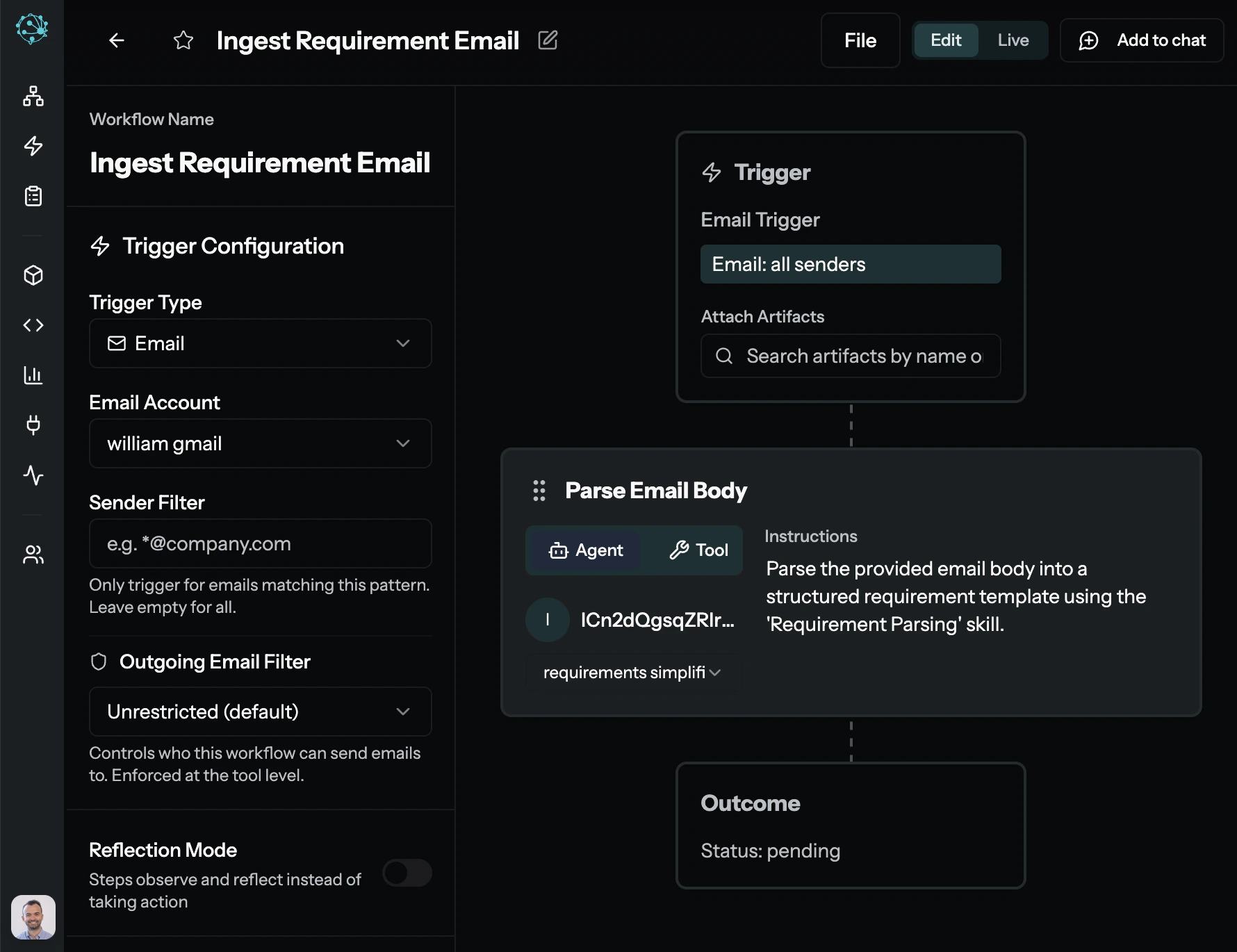
Inside a MyAi Workflow, set the starting trigger to “Webhook.” MyAi will generate a unique endpoint URL (e.g.,
https://[instance].makeyourself.ai/hooks/12345).Set Up the External System
In your external system (like Salesforce or Jira), configure a new webhook to fire on specific events (e.g., “Issue Created” or “Lead Qualified”) and point it to the MyAi URL.
Map the Payload
When the external system fires the webhook, it sends a JSON payload. Map the fields from that payload (like
ticket_id or customer_email) to variables in your MyAi Workflow.2. API Client (Outbound Actions)
While webhooks handle incoming events, the API Client Tool handles outbound actions. It allows MyAi Workflows and Custom Functions to make HTTP requests (GET, POST, PUT, DELETE) to external services.Data Retrieval
Use
GET requests to pull enriched data from platforms like Clearbit or your internal employee database right into a MyAi chat session.Action Execution
Use
POST requests to create Trello cards, update HubSpot lifecycle stages, or trigger CI/CD pipelines in GitHub Actions.Managing Credentials Securely
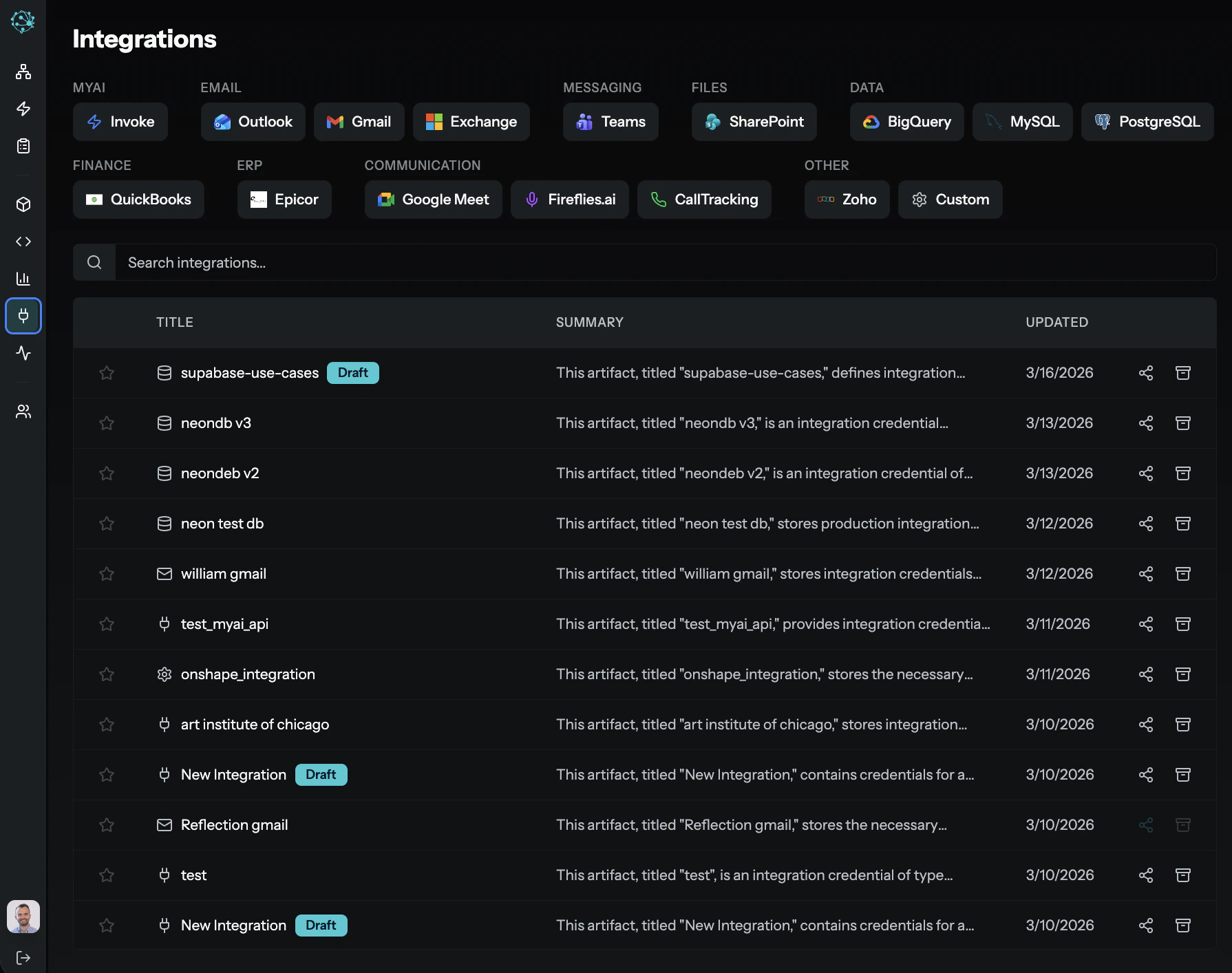
Never hardcode API keys or OAuth tokens directly into workflow configurations or custom code. Always use Integration Credentials artifacts. These artifacts act as a secure vault for authentication details. Access to these artifacts is tightly controlled via MyAi’s granular permission system, ensuring only authorized workflows or administrators can utilize them.3. Custom Functions (Complex Logic)
When built-in tools aren’t enough, MyAi allows Technical IT Users to write and deploy custom Python code. Thesefunctions run within a secure, isolated runtime environment. They are perfect for:
- Complex Data Transformation: Parsing proprietary data formats or mapping deeply nested JSON objects before writing them to an Artifact.
- Sequential API Orchestration: Making three consecutive API calls where the result of the first determines the payload of the second.
- Database Interaction (
sql_client): Executing complex SQL queries directly against BigQuery, MySQL, or PostgreSQL to build analytical Canvases.
Supported Connectors
MyAi connects to any system that exposes a SQL interface or a REST API. The platform includes a growing catalog of ready-to-use integrations, and Custom Functions can extend connectivity to any additional system.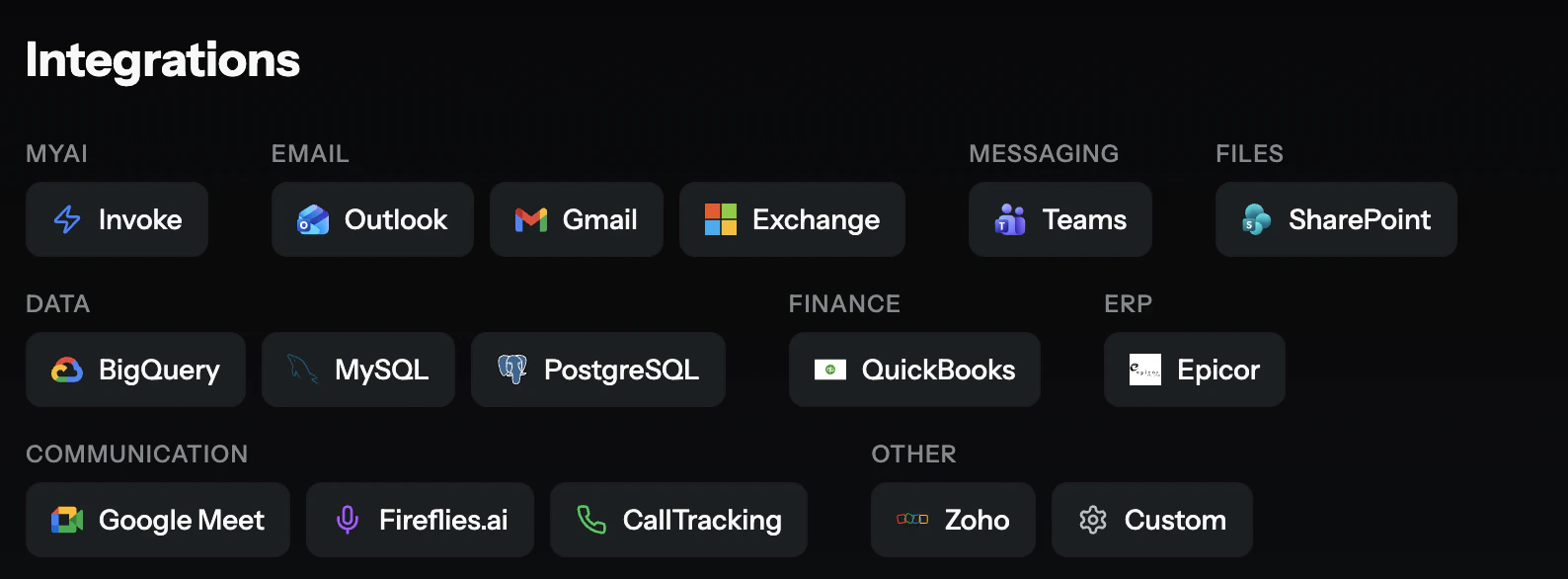
| Category | Connectors |
|---|---|
| Outlook, Gmail, Exchange | |
| Messaging | Microsoft Teams, Slack |
| Files | SharePoint |
| Data | BigQuery, MySQL, PostgreSQL |
| Finance | QuickBooks |
| ERP | Epicor |
| Communication | Google Meet, Fireflies.ai, CallTracking |
| Other | Zoho, Custom (any REST API or SQL source) |
Don’t see your system listed? MyAi can connect to it. Any system with a REST API or SQL interface can be integrated via Custom Functions or the API Client. New ready-to-use connectors are added regularly — see the Changelog.
Learn More
Terminology
Understand Skills, Functions, Workflows, and how they relate.
IT User Guide
Building integrations, custom functions, and system architecture.
Trust & Security
How credentials, permissions, and audit trails work.