

Manual Review: Ensuring Audit Trails and Compliance
For Quality Managers, detailed visibility into operations is paramount for compliance auditing and process verification. MyAi provides robust mechanisms to manually inspect the execution of tasks and the integrity of data.Inspecting Work Orders
Inspecting Work Orders
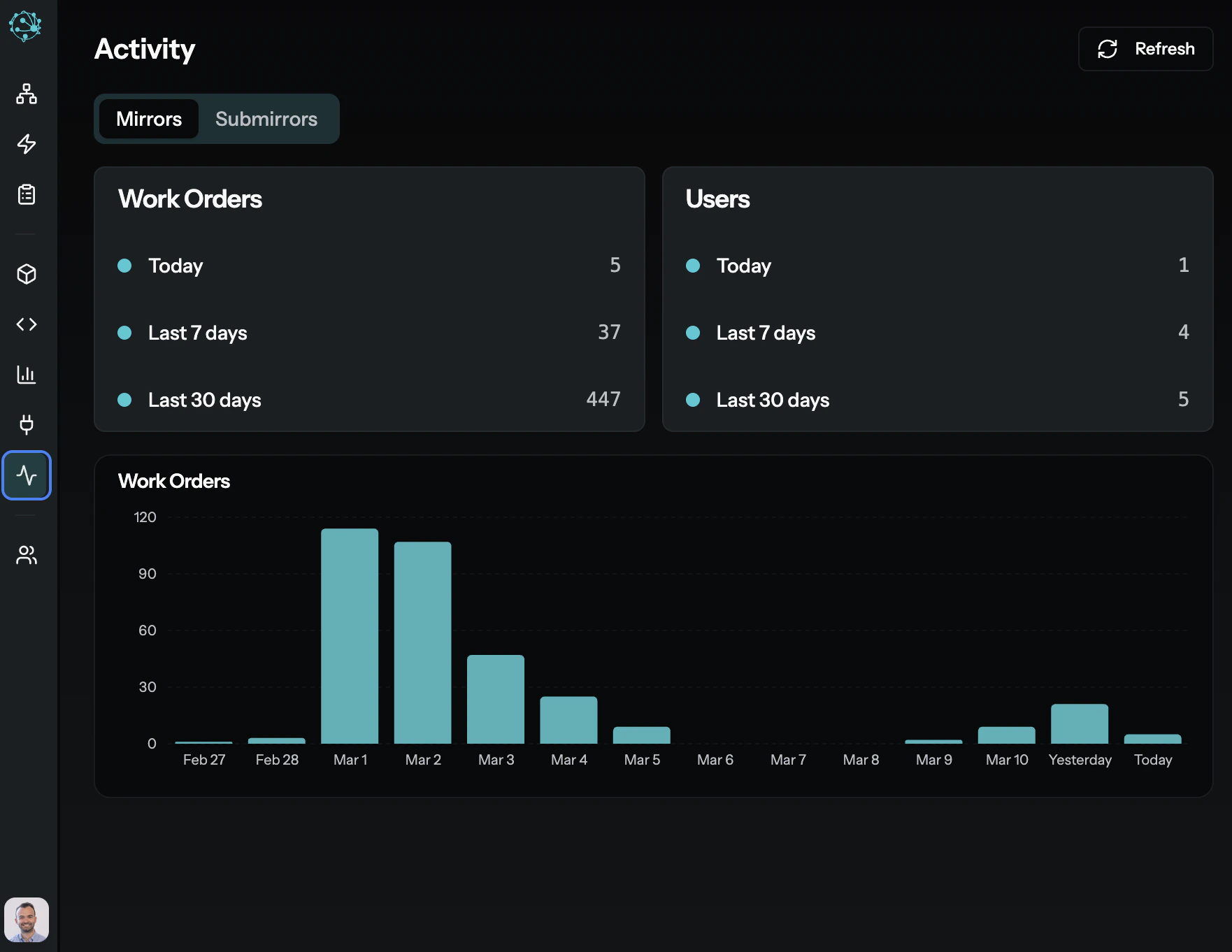
Every task initiated or delegated in MyAi is a
work_order. You can search and review individual work_orders to see the complete history of an operation, including:- Initiator & Delegatee: Who started the task and who performed it.
- Instructions: The exact directive given.
- Conversation Log: The full interaction history, providing an audit trail of decisions and actions.
- Payloads: The exact input and output at each step, crucial for data integrity checks.
- Status & Outcomes: The final result and any justifications provided.
Reviewing Artifact Versions
Reviewing Artifact Versions
All content in MyAi—canvases, functions, templates, workflows—are
artifacts. Each change creates a new version. This is your system of document control.You can list all versions, view content at a specific version, and even restore older versions, ensuring traceability and reproducibility.Examining Data Records
Examining Data Records
If your teams are using templates to capture structured data (e.g., incident reports, inspection checklists), you can query these records directly.This allows for spot checks and data quality assurance across specific data sets, akin to reviewing batch records in a traditional QMS.
Automated Monitoring & Proactive Quality Control
Beyond manual review, MyAi enables Quality Managers to implement proactive quality control and continuous process monitoring through automation. This shifts the focus from reactive audits to real-time oversight and automatic identification of deviations.Workflows for Process Control
Design
workflows to enforce standard operating procedures (SOPs) and automatically trigger actions based on predefined criteria.- Automated Evals: Analyze customer feedback instances and, if certain keywords or low scores are present, automatically escalate the issue.
- Sequential Approvals: Implement multi-step workflows for critical processes requiring sequential approvals, building in gating mechanisms.
Webhooks for Integration
MyAi can use webhooks to integrate with external QMS systems, IoT devices, or other operational tools.
- Event-Driven Monitoring: Listen for events in external systems (e.g., a manufacturing line stopping). These events trigger automated investigation.
- Automated Reporting: Push quality metrics to external dashboards.
Structured Chats for Tasks
For routine checks or data collection, integrate structured chat sessions within workflows.
- Guided Audits: An AI agent guides an operator through a checklist, collecting data and ensuring each step is performed correctly.
- Task Evaluation: After a task, the AI prompts for specific outcomes, logging them against quality standards.
Getting Started as a Quality User
Identify your audit scope
Determine which Dimensions and Workflows you need to monitor. Each Dimension is an isolated workspace — start with the one most critical to your compliance requirements.
Review existing Work Orders
Work Orders are the audit trail for every task in MyAi. Search and inspect Work Orders to understand what’s been executed, by whom, and with what results.
Set up automated monitoring
Create Workflows that trigger on specific conditions — low quality scores, critical incident tags, or missed SLA thresholds. These Workflows can escalate issues automatically.